
Velmora
A magazine-style theme for fashion merchant. Oversized lockups, scrolling marquees, and built-in lookbook galleries — engineered for slow-burn storytelling.
2
Preset
50
Sections
98
Page speed
(001)
In the box
- 01Featured CollectionEditorial spreads
- 02MarqueeNative, no jank
- 03Multiple Option SwatchesAI-fit, opt-in
- 04Drop CalendarUpcoming drops, restocks, and limited releases
(002)
Key features
- 01Featured ProductThe Featured product section is used to highlight and promote specific products that stand out on your shop, typically on the homepage but can also be added elsewhere. This section is an effective way to entice your customers to discover new products, compelling them to make a purchase. You may also use this to showcase clearance and best-seller items to capitalize on products’ popularity and continue driving sales.
- 02Bundle ProductThe Bundle Product section allows you to display product bundles that you want to sell at a discounted price (optional). For example, if a customer buys a shirt for $95 and shorts for $100 separately, they would pay $195 for the two items. However, if you sell them as a bundle and apply a discount of your choice, the two items might only cost $150. This can significantly increase your sales conversion rate.
- 03Shop by CategoryThe Shop by Category section is a common main section used to divide and display product categories. In this demo, we use the Men / Women categories as an example.
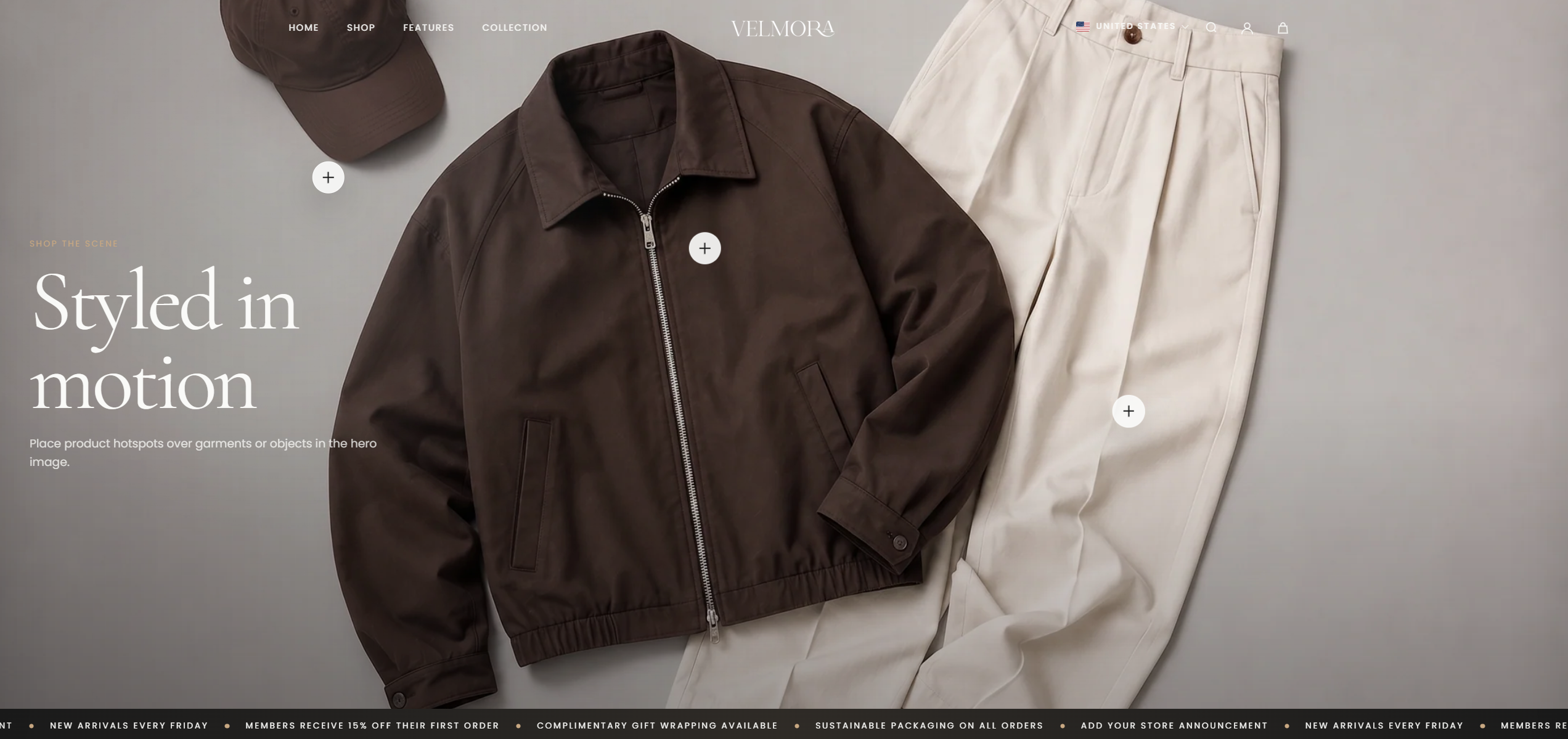
- 04Hero Product HotspotsThe Herro Product Hotspots section displays a static image, but with interactive hotspots. When customers click on these hotspots, a quick view of the product appears. You can use this to showcase a set of products you want to highlight, maximizing conversion rates by allowing customers to visualize how a complete product set looks together.
(003)
Default Palette
#FAFAF8
#F2F0EC
#1A1A1A
#C8A882
(004)
Default Type
Cormorant
The quick brown fox jumps over the lazy dog.