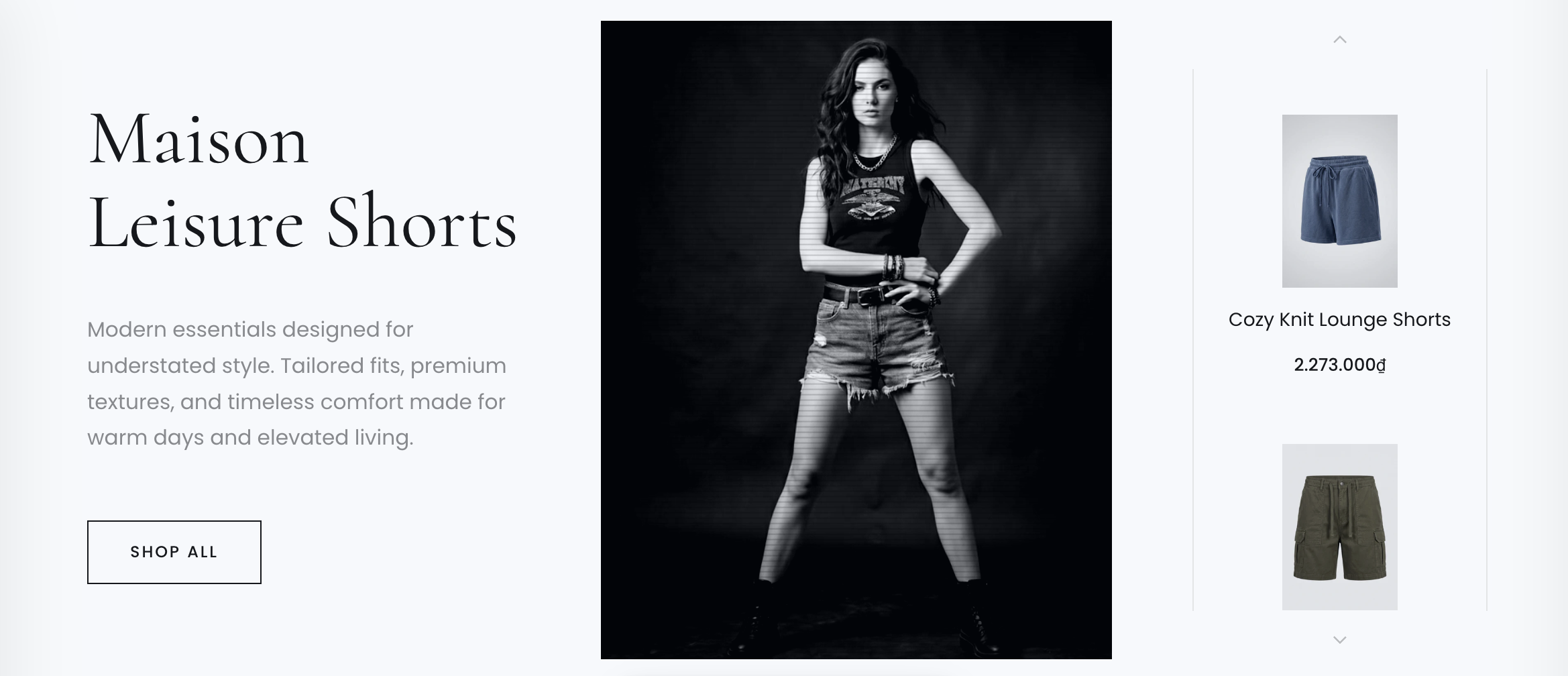
The Collection Showcase section is a feature that displays an entire product catalog from a single collection. It's often used to highlight a specific collection you want to feature, such as a shorts theme, a T-shirt theme, or simply to showcase a "Sale Off" collection or newly launched products. This section uses a product list layout, with an image or video representing the collection.
Add products to a featured collection section
Log in to your Theme editor and navigate to the page you would like to display this section.
You'll see a list of available sections on the left-hand side. Locate the Add section button and click on it.
From the list of available sections, find and select Collection Showcase.
Avaiable setup options
In this setting, you can customize the layout of the section.
OPTIONS
01LayoutProduct list layout: vertical or horizontal
02CollectionYou select the collection you want to use here.
03Main ImageFrom here, you can choose main image display in section
04Background VideoIf a video is available, it will be used instead of the image, overriding the image.
05Video Overlay EffectThis is a video effect. Use it to create engaging visual effects.
06Show Main MediaTurn on/off Main Image / Background Video