(...)-Loading article
The Header section appears at the top of your store and plays a key role in both branding and navigation. It displays your store logo and provides the main navigation links that help customers move through your site.
Radian includes multiple different header layouts to choose from. These options allow you to customize the placement of the logo, navigation links, and the search, account, and cart icons.
If you're new to Shopify, learn how to create a menu here.
Shopify Help Center | Add, remove, or edit menu items in your online store →The purpose of these options is to help clearly display the visual elements when you are at the top of the page
The burger is always shown on mobile. Set up the sidebar menu in the Menu drawer section in the Overlay group. If Menu drawer is hidden or removed, the Header main menu is used.
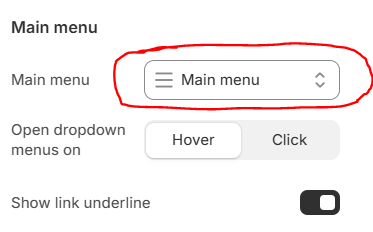
At the Main Menu group, select the menu you created in Shopify Admin earlier, as shown in the image below