
(...)-Loading article
This section is available in all Velmora and Sunday themes. However, it is not used in the Sunday demo, but you can add it at any time.
The Collection list section provides a simple and effective way to showcase your collections on the homepage or any other page. It helps merchants highlight product categories directly on the page, allowing customers to browse collections without navigating through the main menu.
This is an excellent tool for promoting featured categories or new collections, while also helping customers quickly find the products they’re looking for.
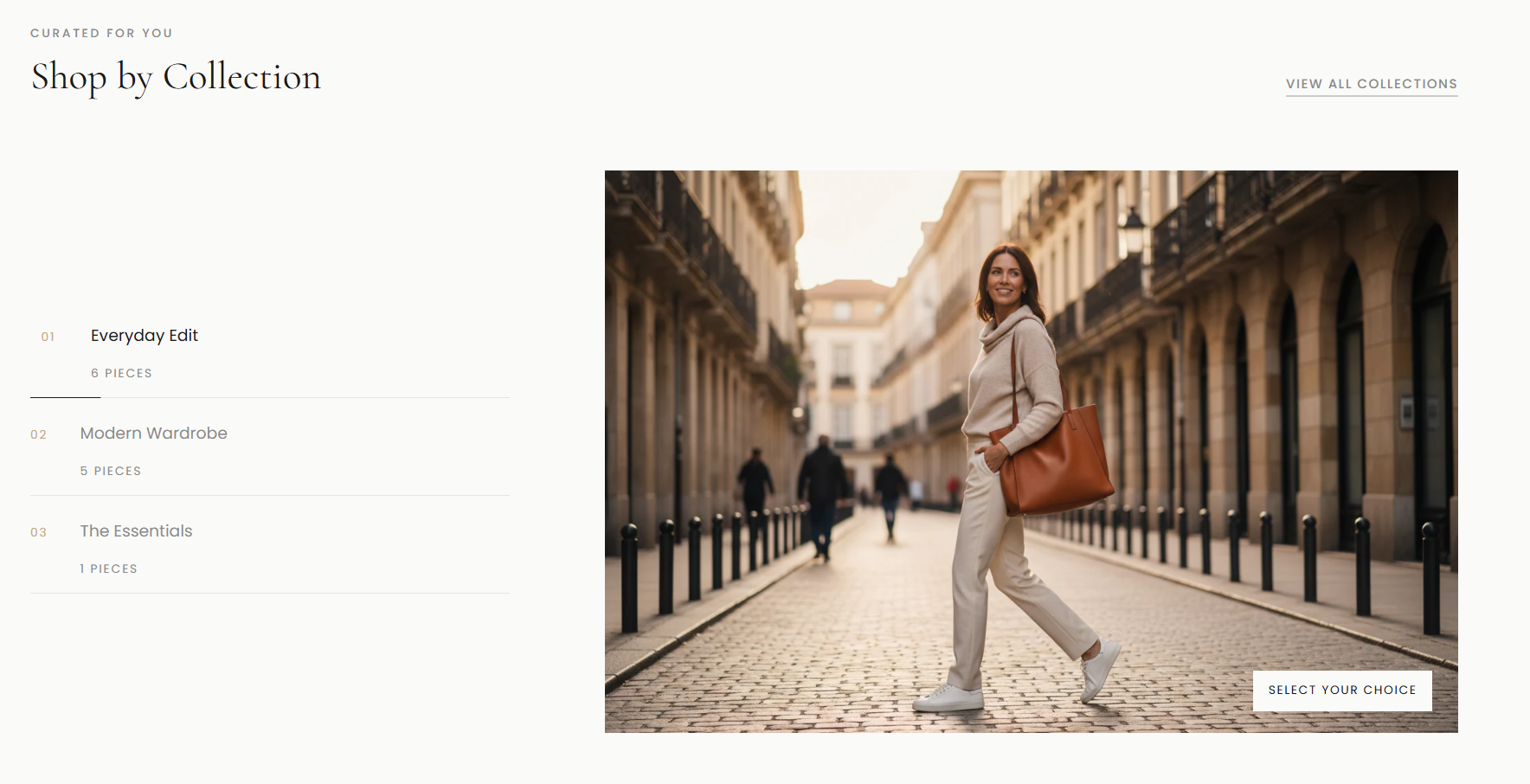
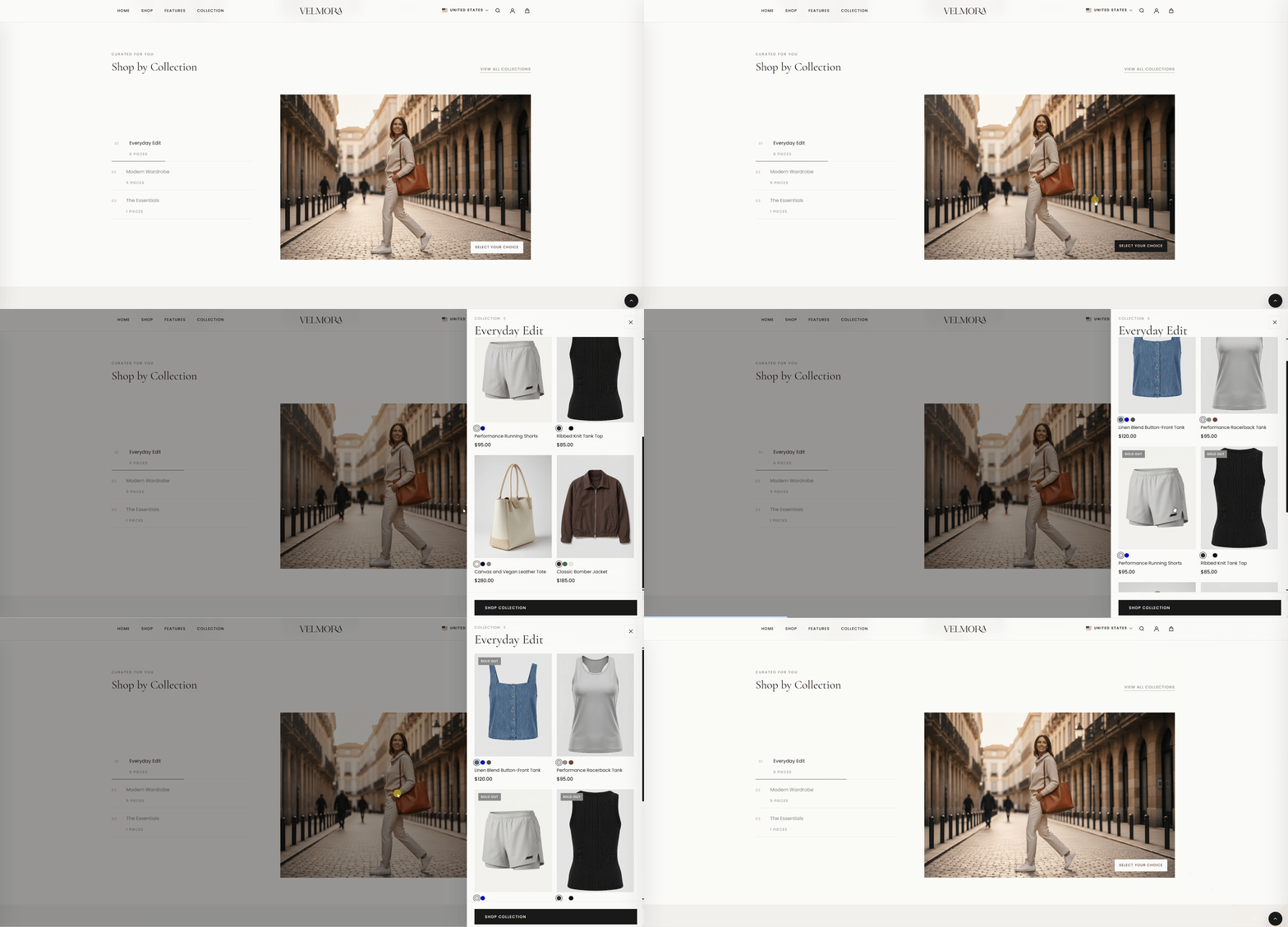
In this section, the interface provides instant access to product listings by clicking on the thumbnail or the "Select Your Choice" button, without having to navigate directly to a complex collection page.
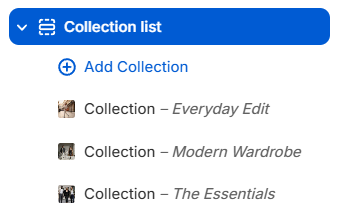
To add a new collection, in the Theme Editor's left-hand panel, select Collection List, then select the + Add Collection button as shown in the image below to add a new collection.
For newly added collections, the following options are available:
To learn more about collections, refer to:
Shopify Help Center | Collections →