Setup Information block (eg: Details & Material) in Product Page - Sunday · Axiom Themes
(001)-Advanced SetupUpdated · 5/20/2026
Setup Information block (eg: Details & Material) in Product Page
Sundayv1.0.0
01
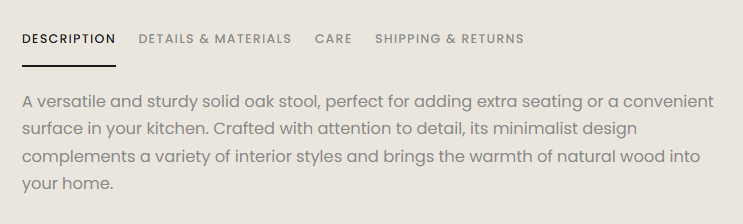
What is Details & Material block
Details & Material is an Information block that displays information on the product page. The default name used in the demo is Details & Material, but you can customize this name to anything you like.
Block Information
02
How to write content for Information block?
Có 2 cách để viết nội dung vào block Information:
Write directly in the Information block on the Product Page. This is the simplest method to use if all your products share the same information.
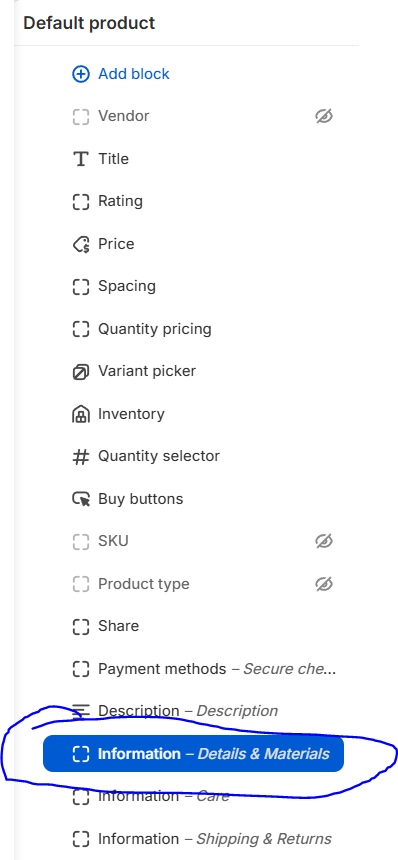
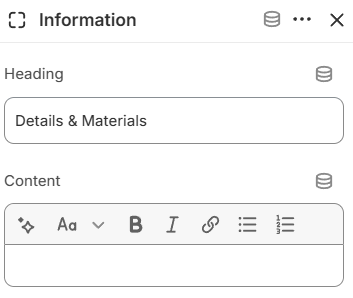
To navigate to the Product page editor, go to Theme Editor -> change Home Page to Products -> Default Product -> in the Product template, expand to find the Information block (or Add Block Information if not already present). Within this block, you'll find content setting options as shown in the image below. Write content in the Content section as rich text
The second way is to use metafields for dynamic content for different products.
To create metafields, go back to the Shopify Admin -> Settings -> Metafields and metaobject -> under Metafield definitions select Products -> then click Add definition to create a new metafield -> set the Name as Details & Material (or any name you want to use), and the Type as Multi-Line Text or Rich Text if you want the content to have rich formatting.
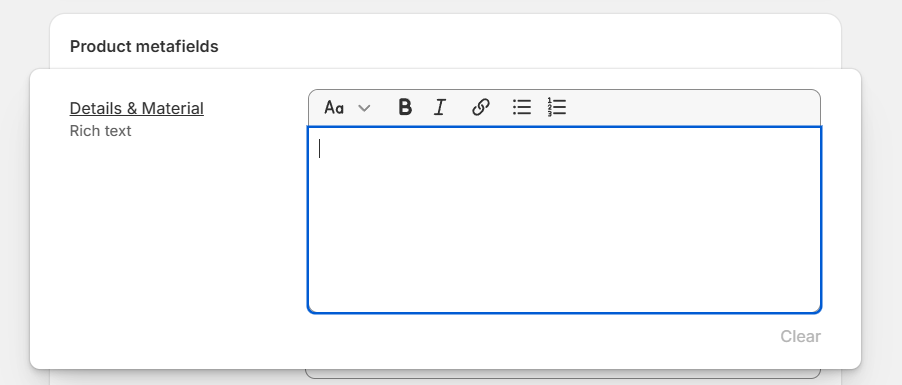
After creating the metafield, return to the product creation/editing page in Shopify Admin. In the Product metafields section, you will see the field where you can enter content.