(...)-Loading article
This section is available in all Velmora and Sunday themes. However, it is not used in the Sunday demo, but you can add it at any time.
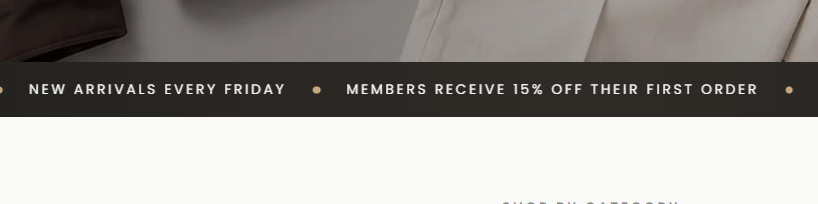
The Marquee is a section that displays continuously scrolling content, often used to highlight announcements, promotions, slogans, or important information.
Tương tự như các section khác, để thêm Marquee section vào theme. Hãy làm như sau:
After adding the section to your theme, use the following settings to customize the marquee section to match your store's style.
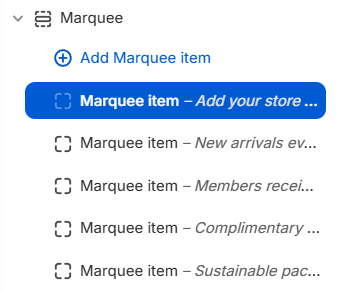
To add a new marquee item, in the Theme Editor panel on the left, select the Marquee section, then click the + Add Marquee item button. After that, enter the text you want to display in the "Text" field, and add a link (optional).