(...)-Loading article
Hello, this guide is for the Velmora preset, but the Sunday preset is 100% similar.
A mega menu is an expanded navigation menu that displays multiple categories, collections, products, or banners within a large dropdown, rather than a simple menu. This helps customers easily find product categories, clearly shows multiple menu levels, and improves navigation and product discovery.
Velmora offers 3 different types of mega menus, including:
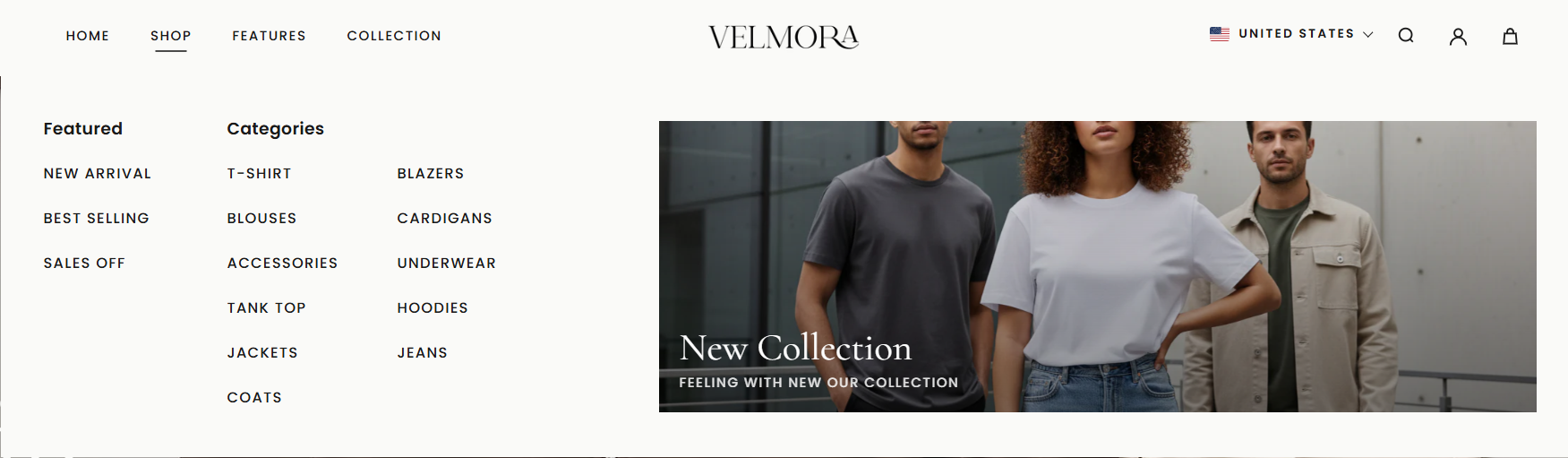
MEGA MENU ROWS
This is a horizontal, hierarchical mega menu that supports up to two promotional images. All parent menu items will be fully displayed along with their submenus.
The width will extend to the full width of the website.
MEGA MENU COLUMNS
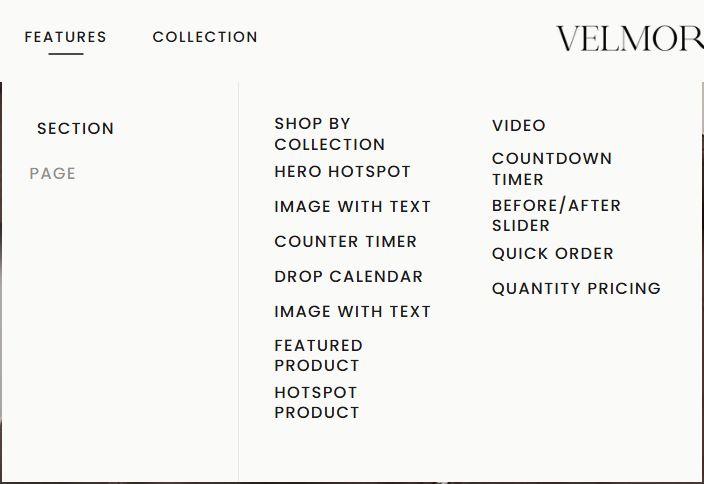
This is a vertical, hierarchical mega menu that supports up to 2 promotional images. The width will be limited by the content displayed in the Top-Level Menu. Submenus will only appear when you hover over their parent menu.
MEGA MENU COLLECTION
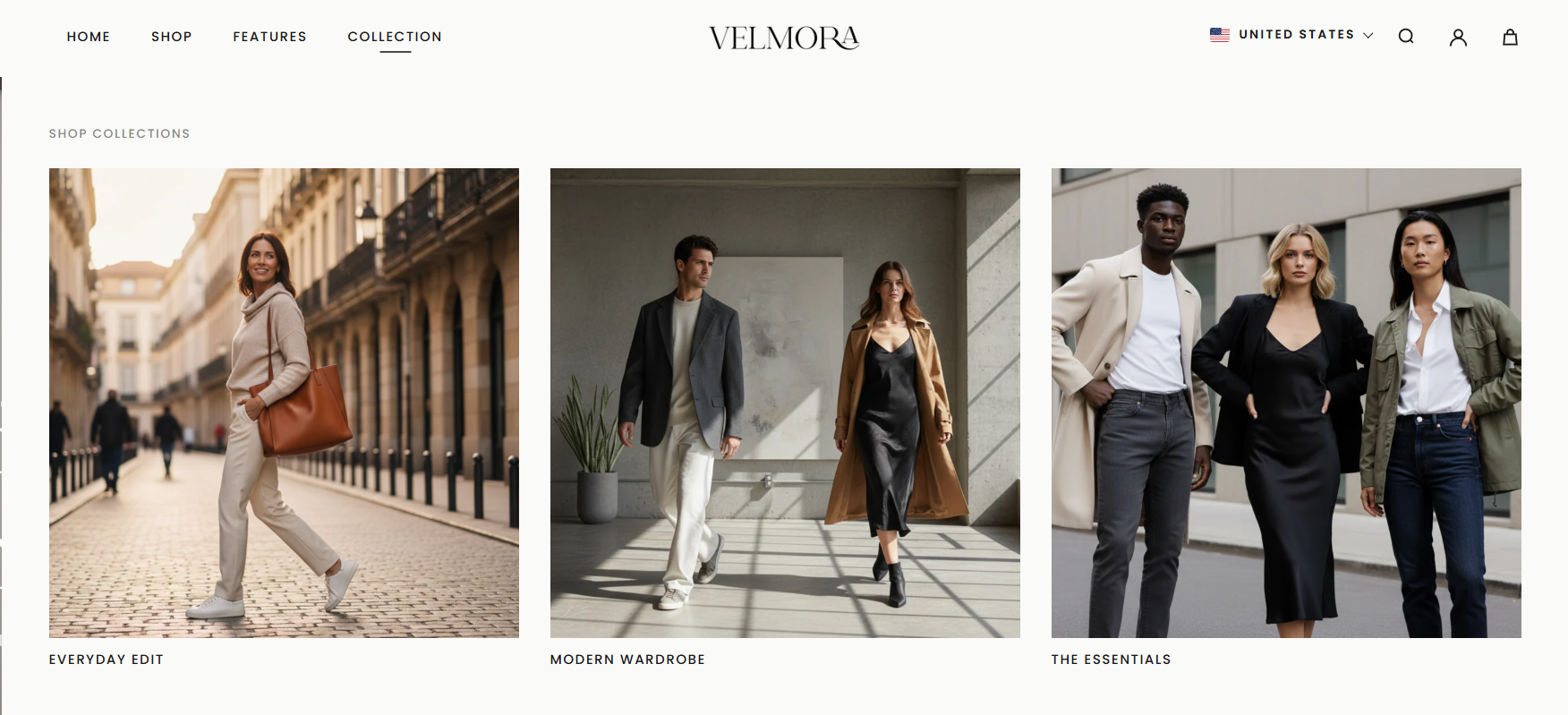
Often used to highlight collections, such as new arrivals or promotional collections. This menu only works when used with collections.
To add a mega menu row, in the Theme Editor on the left, select Header, then select Add Block -> Mega menu rows. Then, in the Top-level Menu Handle field, you need to enter the exact name of the menu you created in your Shopify Admin.
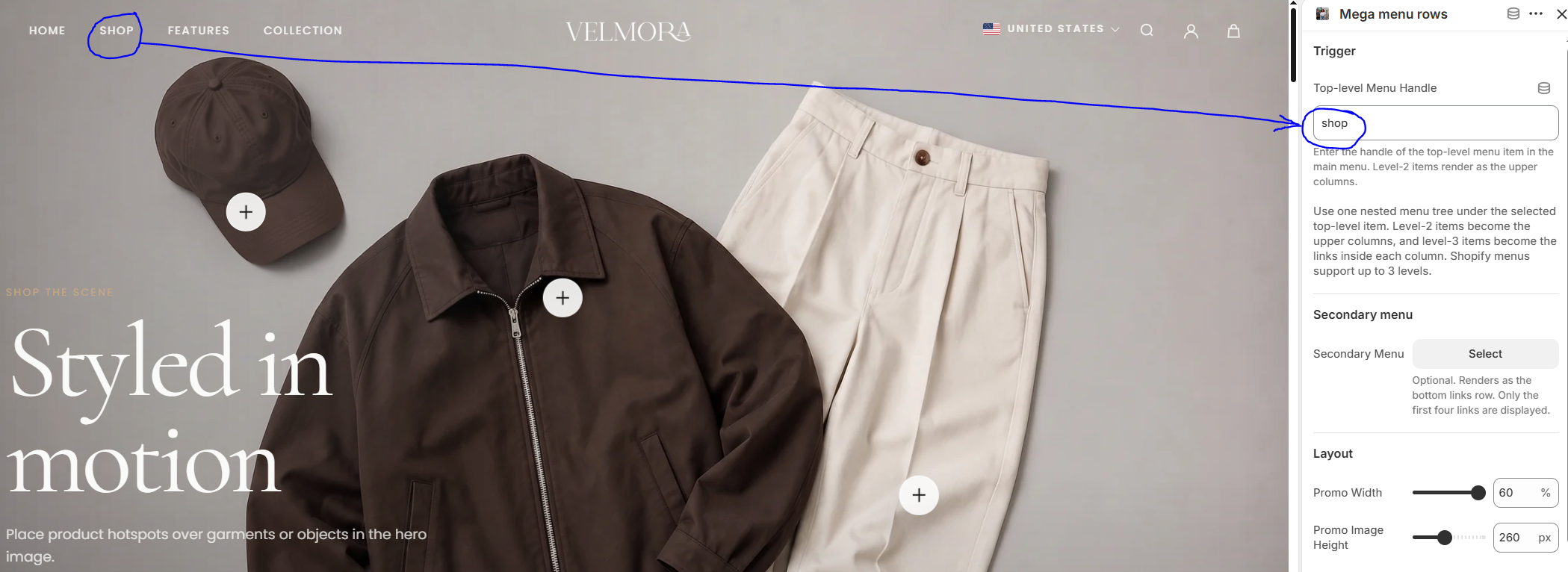
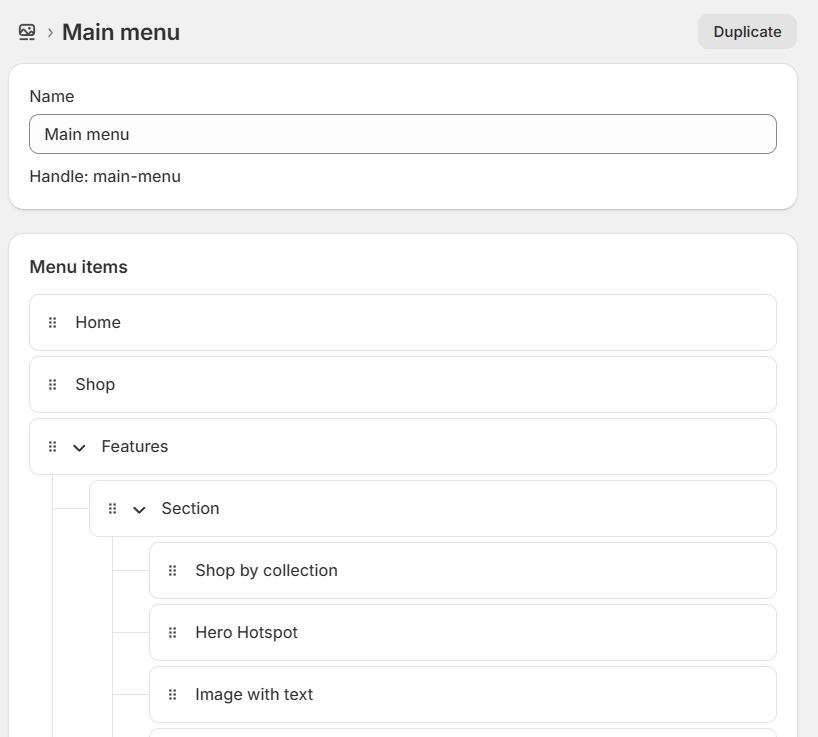
To set up the hierarchy as shown in the demo, go to Shopify Admin -> Content -> Menus and create / or edit the main menu you are using in the theme
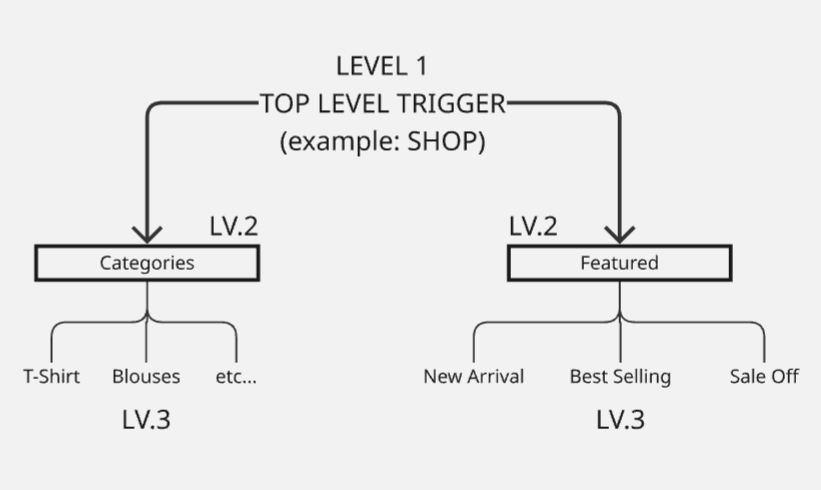
In the demo, Velmora uses a 3-level dropdown menu, as follows:
It will look like this
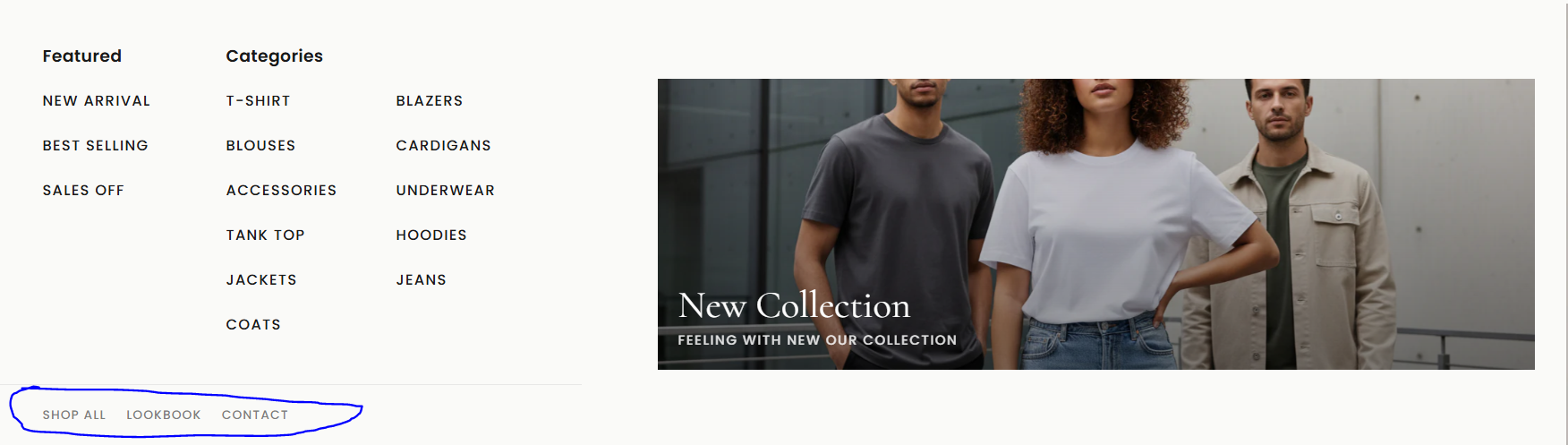
To create a bottom menu like the one pictured below (Shop All / Lookbook / Contact)
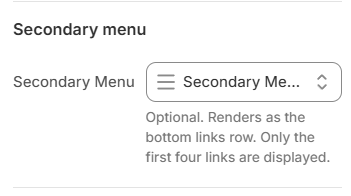
Go back to Menus in your Shopify admin. Create a new menu and give it a custom name that makes sense to you. For this example, I'll name it "Secondary Menu
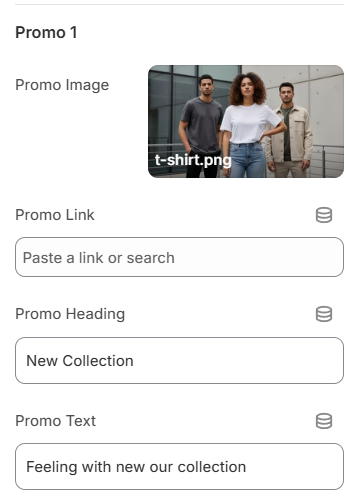
To add a promo image, in the Theme Editor, go to the Mega menu rows block, and select "Promo image" in the panel.
In the demo, the Features menu is top-level, Section is a child, and the sub-menus within it are grandchildren. The hierarchy is as shown in the image below.
Once you've created your menu, go back to the Mega menu columns block in the Theme Editor. In the Menu Item Title field, enter the exact Top-Level name of your menu. For example, here it's Features.

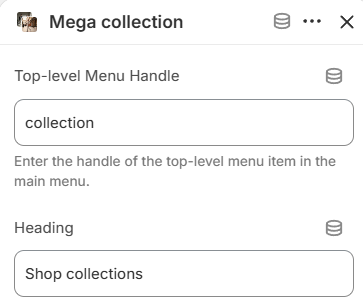
Similar to other mega menus, in the "Top-level Menu Handle" field, you need to enter the exact name of the collection menu you want to display.
Then, select the collections you want to display in the "Collection 1 / 2 / 3 / 4" fields. A maximum of 4 collections can be displayed.