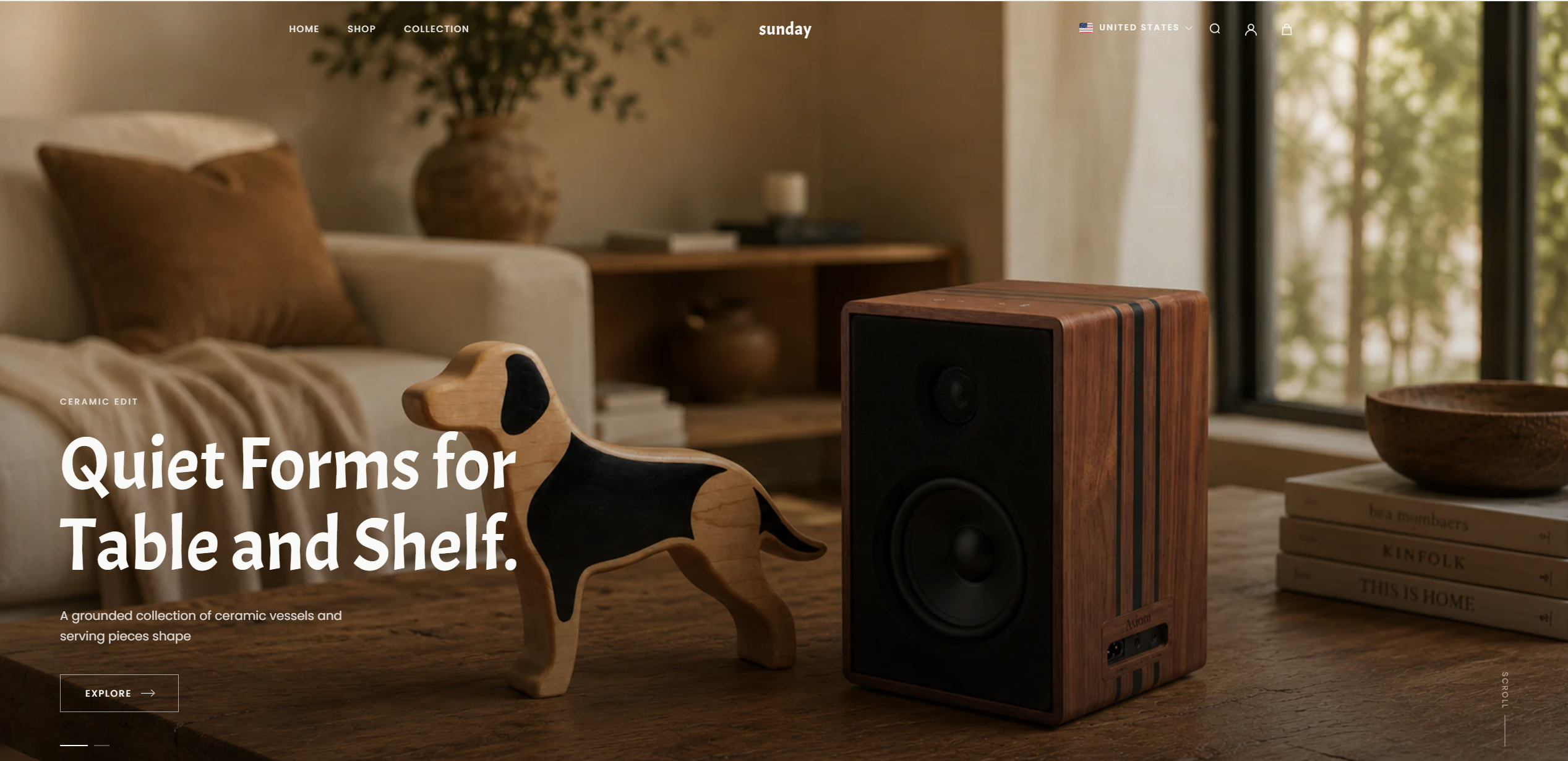
- Log in to your Theme editor and navigate to the page you would like to display this section.
- You'll see a list of available sections on the left-hand side. Locate the Add section button and click on it.
- From the list of available sections, find and select Slideshow.
- Then, in the Slideshow section, click Add Slide to add a new slide
Slideshow sectiong setting
The slideshow section is used to customize the general settings for all added slides.
option
- 01HeightSlideshow height
- 02Autoplay SlideshowAutomatically cycle through different slides
- 03Change Slides EveryCountdown to auto-rotate slide
- 04Show Dot NavigationDisplaying the navigation bar
Block Slide setting
Sau khi thêm slide mới bằng nút Add Slide, chọn hình ảnh ở tùy chọn Slide Image, sau đó bổ sung content vào các tùy chọn:
option
- 01Eyebrow TextSmall Title
- 02HeadingBig Title
- 03SubtextThe descriptive text is located below the heading
- 04Button LabelButton text
- 05Contnet PositionContent display position within the slide