
(...)-Loading article
The Bundle Product section allows you to display product bundles that you want to sell at a discounted price (optional). For example, if a customer buys a shirt for $95 and shorts for $100 separately, they would pay $195 for the two items. However, if you sell them as a bundle and apply a discount of your choice, the two items might only cost $150. This can significantly increase your sales conversion rate.
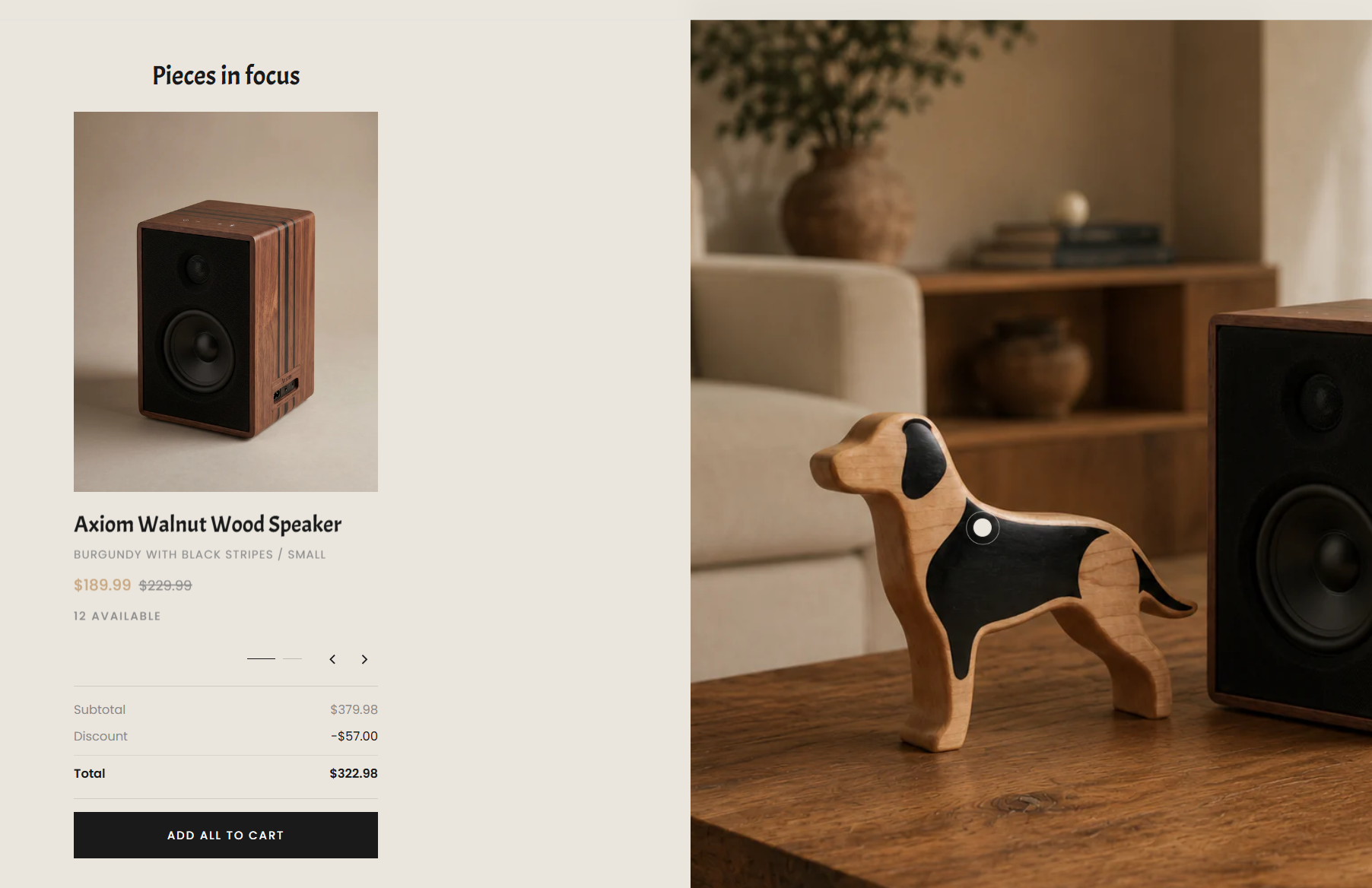
Customizing style settings and adding new items are similar 👉 Understanding Hero product hotspots section, Visit this section to learn how to place a hotspot on the main image.
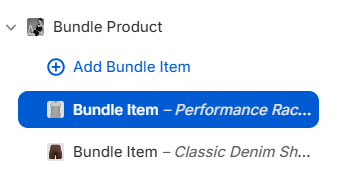
To set up a bundle, follow these steps:
Learn more about the Shopify admin: 👉 Shopify Help Center | Shopify Admins
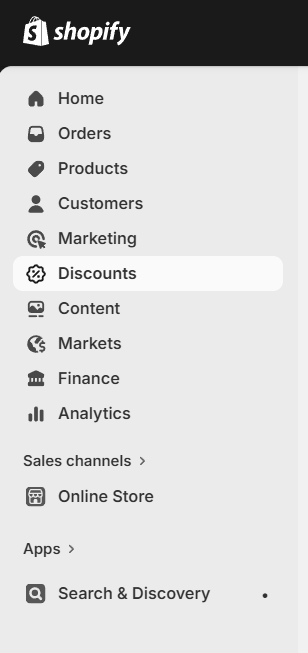
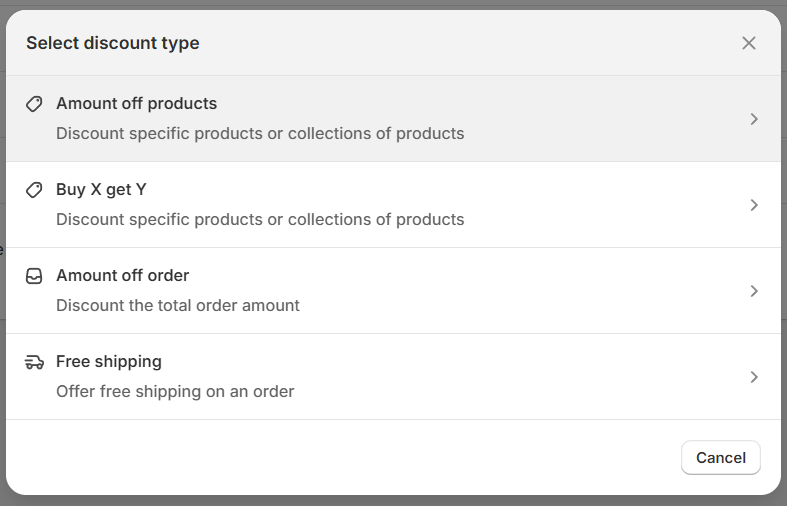
For other settings, you can refer to:
Shopify Help Center | Discounts →Click save, then go back to the Theme Editor. Select the Bundle Product section, and under Bundle Discount settings, you need to enter the exact discount percentage you set up in Shopify Admin.
